Product showcase templates
Show exactly what the business sells and how it works. MarketiQ’s Creative Director picks from these 10 templates whenever a post’s message fits one of them, then fills it with your brand, facts and copy.
All Product showcase templates
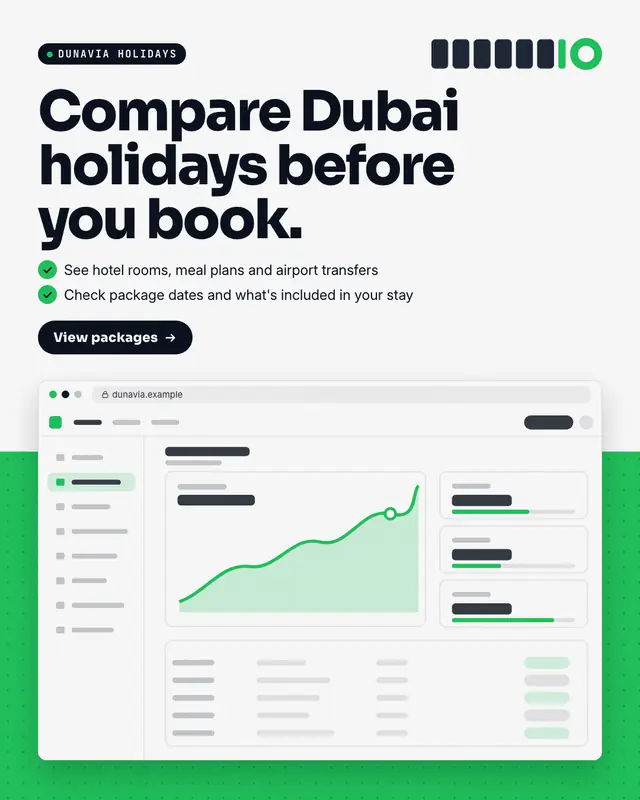
Device frame
The real product
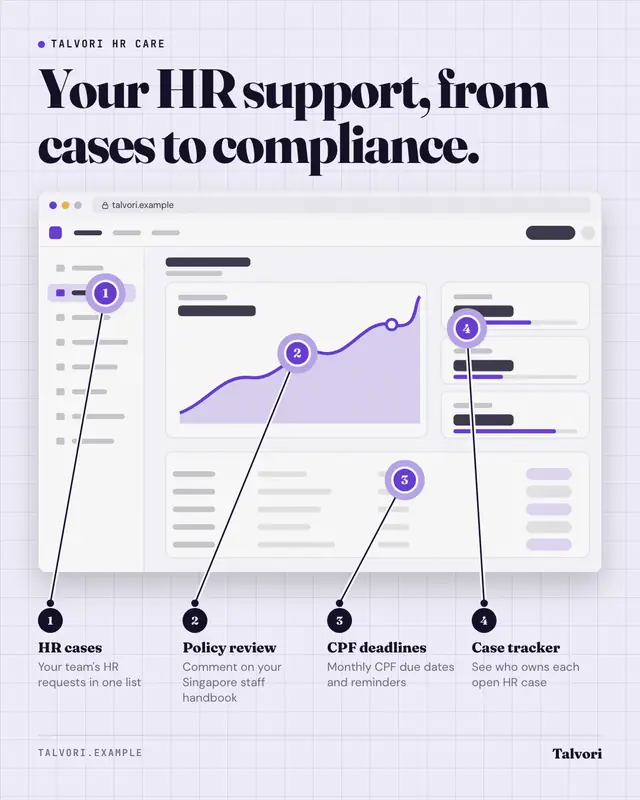
Feature callouts
The real product screenshot with three or four numbered pins and labels connected by leader lines
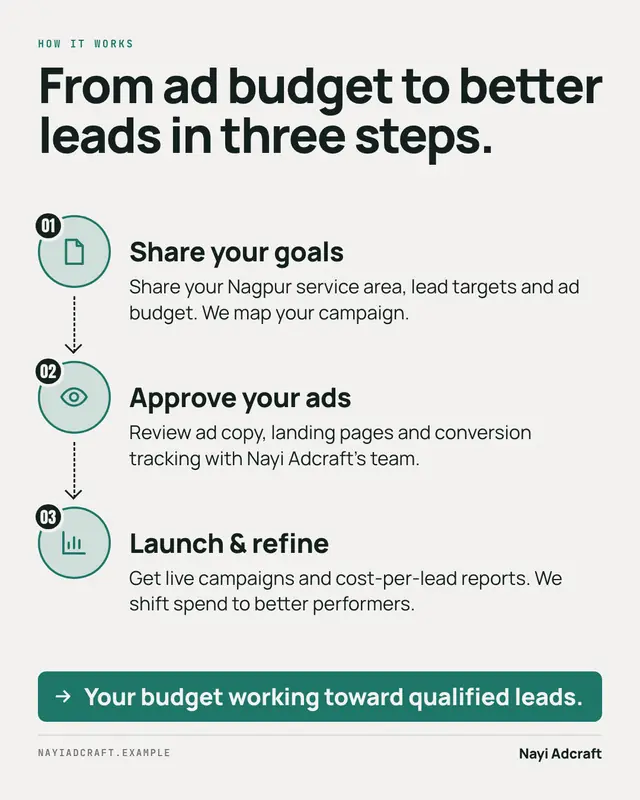
How it works
'How it works' in three steps
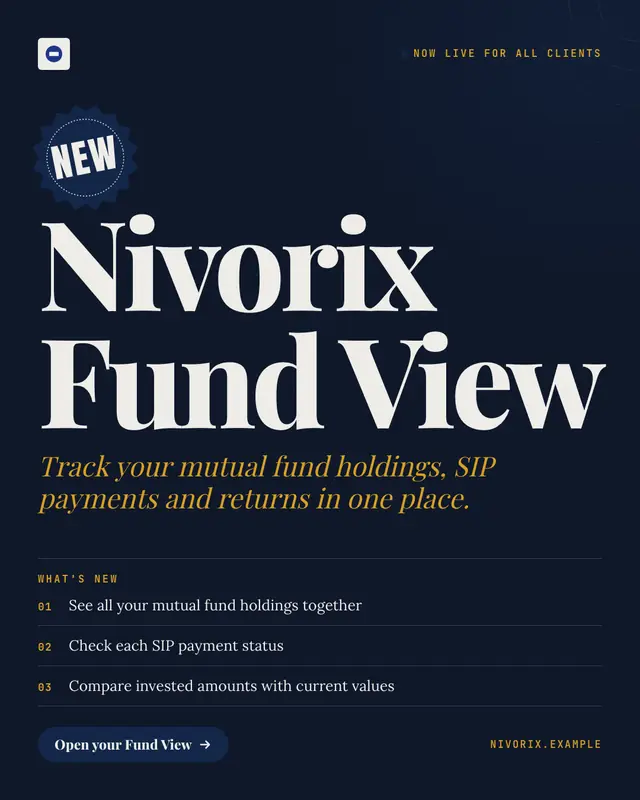
Launch card
A keynote-style launch card: a starburst 'NEW' sticker, the product or feature name set huge, a one-line value, three numbered 'what's new' points and a button, on a…
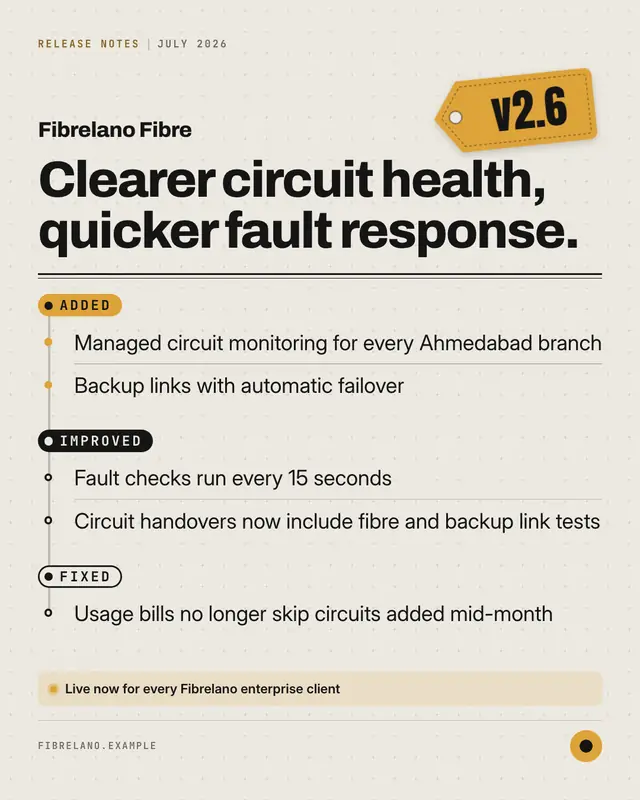
Changelog
Release notes as a designed object: a brand-colour version tag, the headline of the release and the changes grouped under Added, Improved and Fixed on a commit-style…
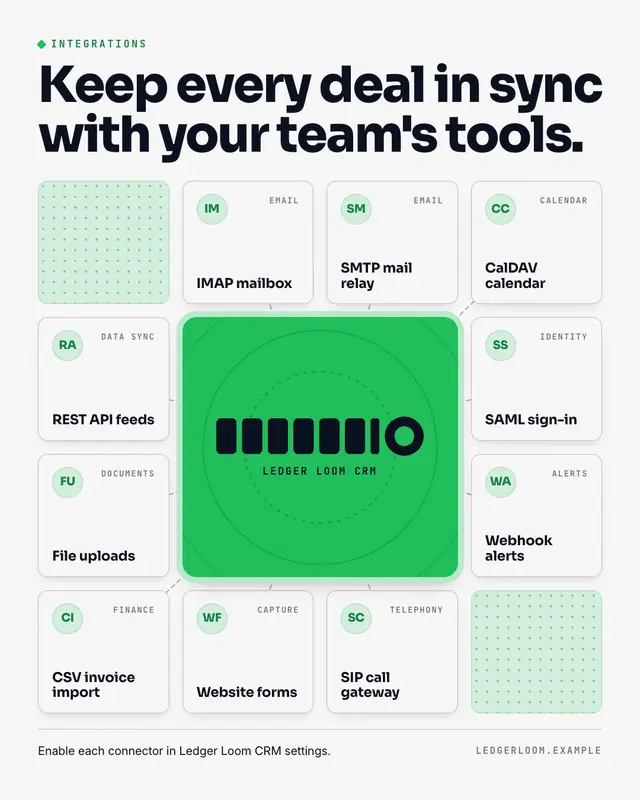
Integrations grid
The brand as the hub of the customer's stack: the logo on a brand-colour tile at the centre, the tools and partners it connects with as clean name tiles around it…
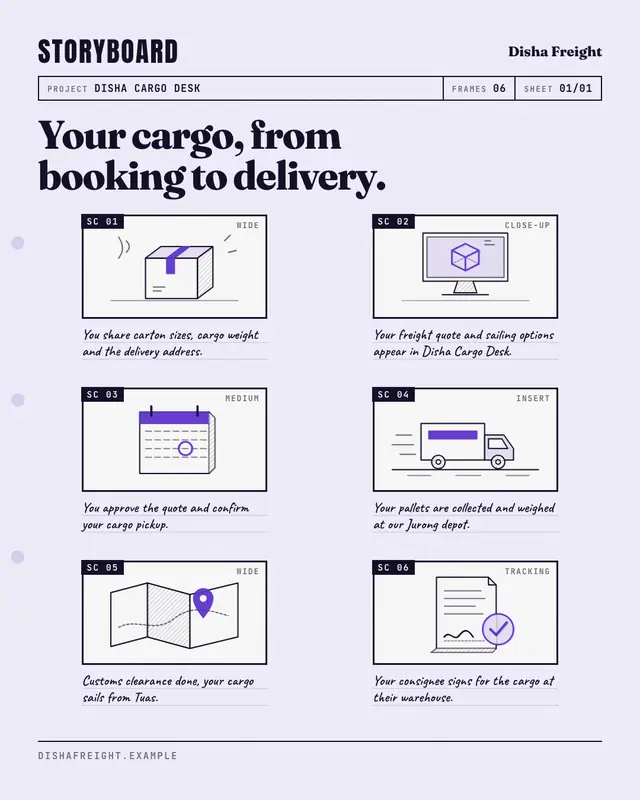
Storyboard
A film storyboard sheet that walks through the customer's experience frame by frame
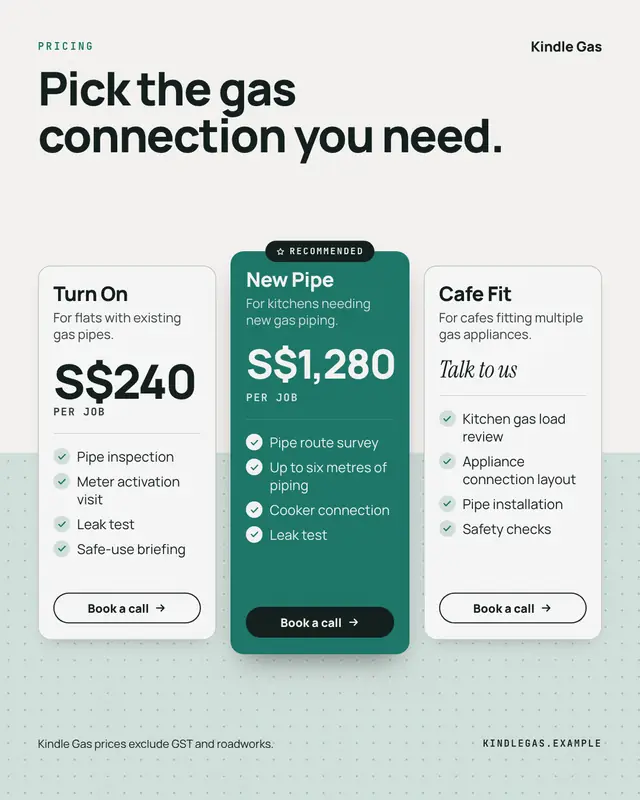
Pricing card
Clear pricing in one to three plan cards
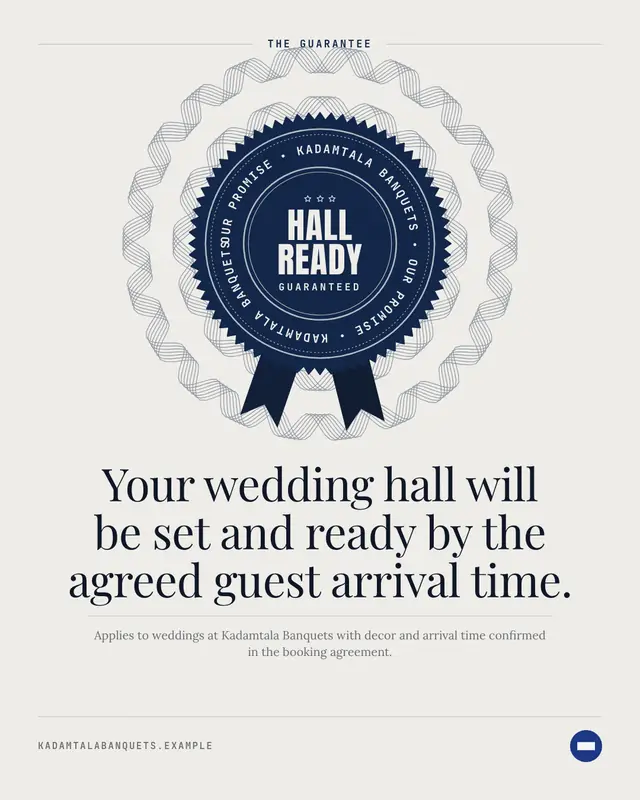
Guarantee seal
The business's guarantee as an engraved rosette seal
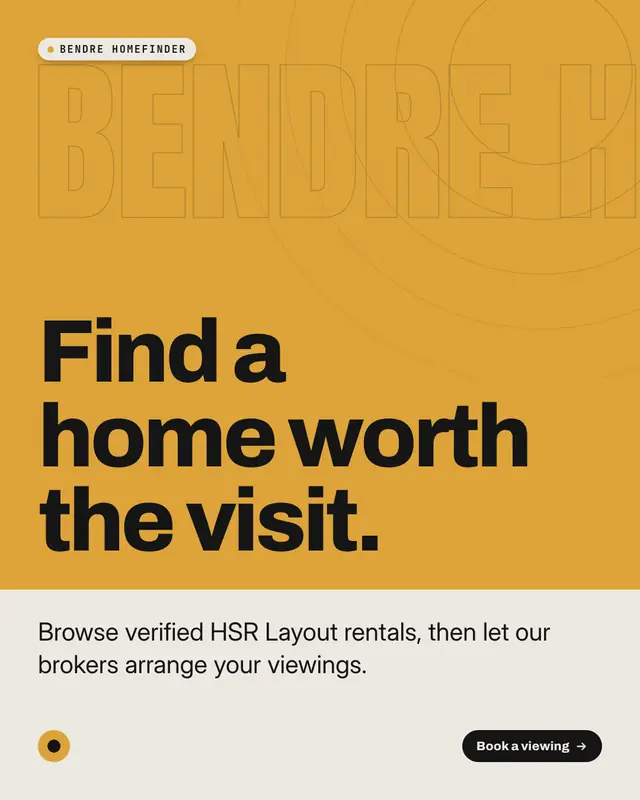
Benefit hero
A full-bleed hero picture of the product at its best
Samples use fictional brands; MarketiQ fills each template with your brand, facts and copy.
New Product showcase from the Template Foundry
The Template Foundry’s AI design team reads a sample post, debates its look and designs new templates around the clock; only designs that pass the same render checks as the library, look unlike every template we already have and convince our art-director model join it. 104 so far — the newest here.
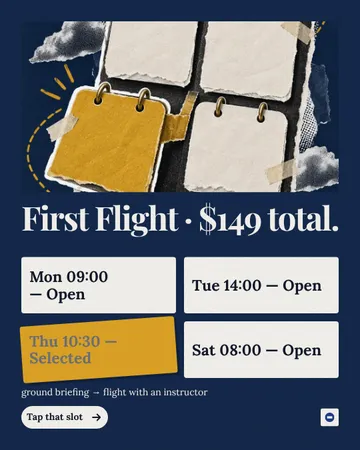
Appointment Steps Forward
A cut-out calendar sculpture leads an editorial booking poster. Four real appointment cells sit beneath it, with the selected appointment lifted on an accent-paper backing and horizontal typography.
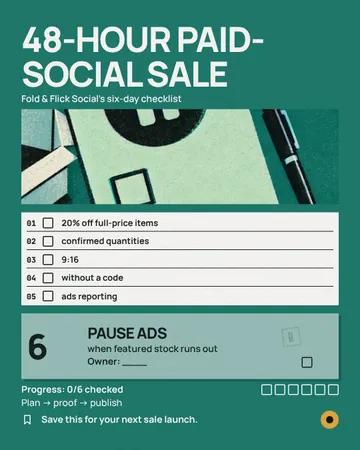
Name The Stopper
An acid-riso responsibility-slip picture leads a launch planner, separating five readiness checks from an oversized unsigned sixth check.
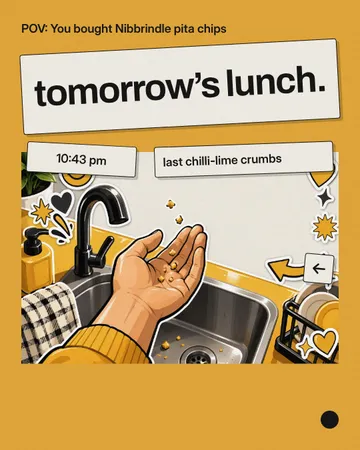
Crumb Evidence Sticker
A native POV caption opens a brand-colour poster. A tilted paper verdict leads into a flash-lit illustrated scene, with separate evidence stickers identifying the time and tiny remainder.
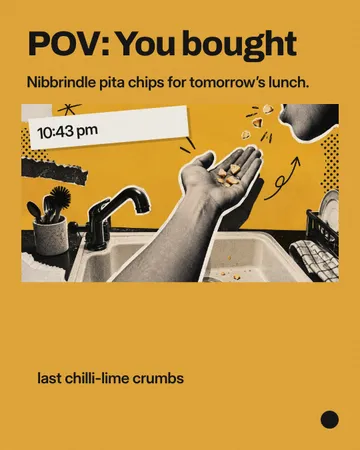
Sink Side Confession
A huge first-person caption sits above a cut-paper POV scene. A tilted time strip interrupts the illustration, while a short evidence label delivers the late-night punchline.
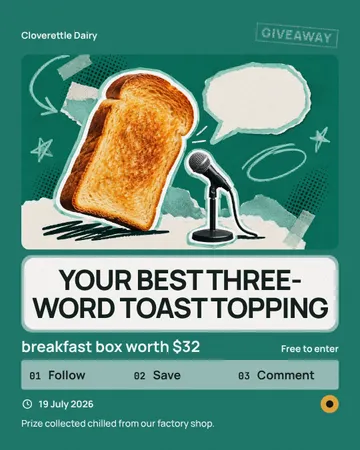
Toast Takes the Mic
A toast campaign-speaker collage leads a paper speech sticker, with a giveaway seal above and a compact numbered entry strip below.
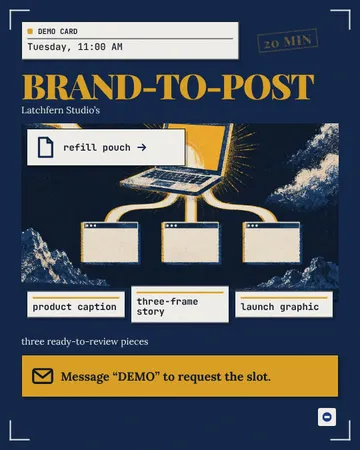
Desktop Demo Dispatch
A retro desktop appointment poster: a duration sticker introduces a glowing conceptual laptop, one input feeds three review windows, and a message request anchors the bottom.
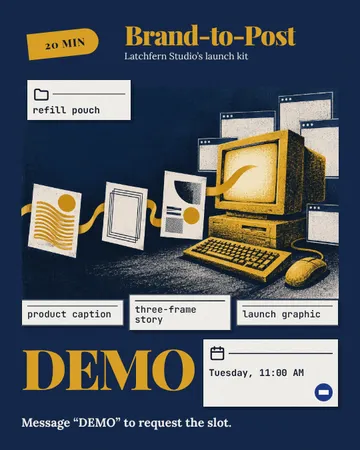
Desktop Demo Collage
A retro desktop poster with an appointment sticker, a bright hardware collage carrying three coordinated output cards, and a huge demo anchor beside a miniature meeting window.

Connected Credit List
A rooftop cut-out collage leads into an oversized checked milestone and a left-aligned editorial credit list. Arrow-marked acknowledgements and a shared dedication turn completed work into recognition.
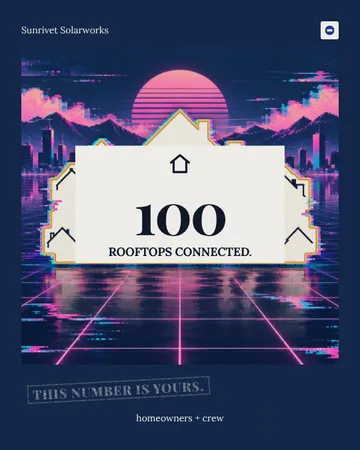
The Shared Roof Stamp
A giant roof-edged dedication stamp carries the milestone on a dark brand field, with a quiet company identifier above and shared ownership below.
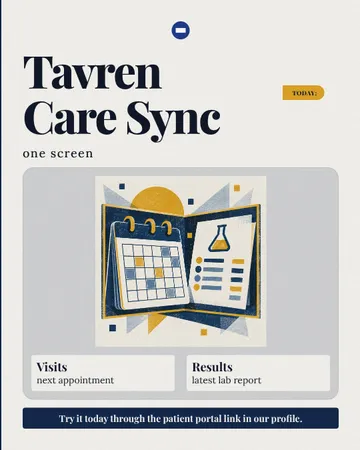
Shared Care Editorial
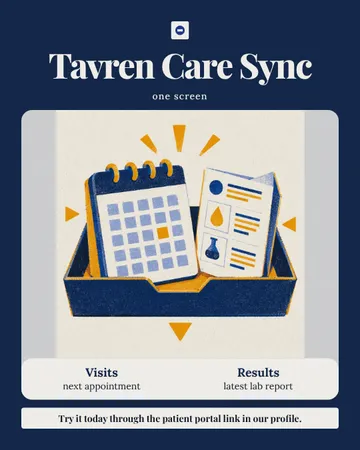
An oversized launch masthead introduces a textured conceptual illustration of two care records sharing one container. Paired caption rows identify the connected services, and a clear footer drives the next action.
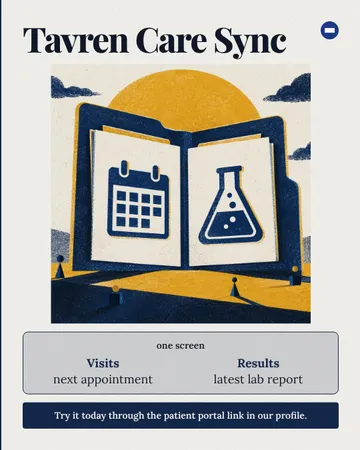
The Shared Care Folio
An editorial launch poster with a bold masthead, an oversized illustrated care folio, paired clinical labels in one shared panel, and a clear portal action.
Shared Care Editorial Cover
An oversized editorial masthead introduces a textured illustration of two care records sharing one container, with paired captions inside its frame and a clear action at the foot.
Samples use fictional brands; MarketiQ fills each template with your brand, facts and copy.
More ways to carry a message
Let the AI pick the right Product showcase template.
Write the post, or let your AI team write it. The Creative Director reads it, picks the template that carries it best and fills it with your brand; it goes out on the approval rules you set.