Work apps templates
Email, calendars, docs, sheets, boards, tickets, code review, terminals and forms — the work apps buyers live in, carrying the point. MarketiQ’s Creative Director picks from these 15 templates whenever a post’s message fits one of them, then fills it with your brand, facts and copy.
All Work apps templates
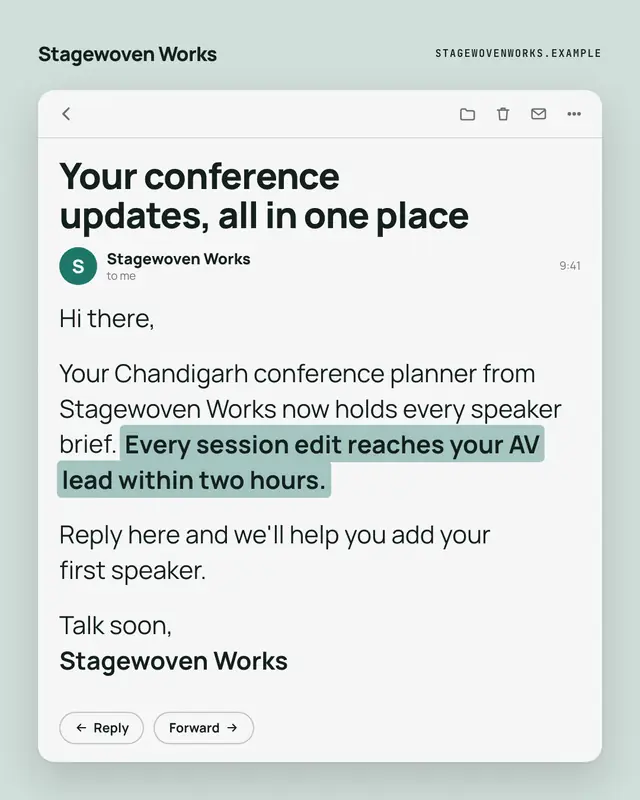
Opened email
An opened email from the brand
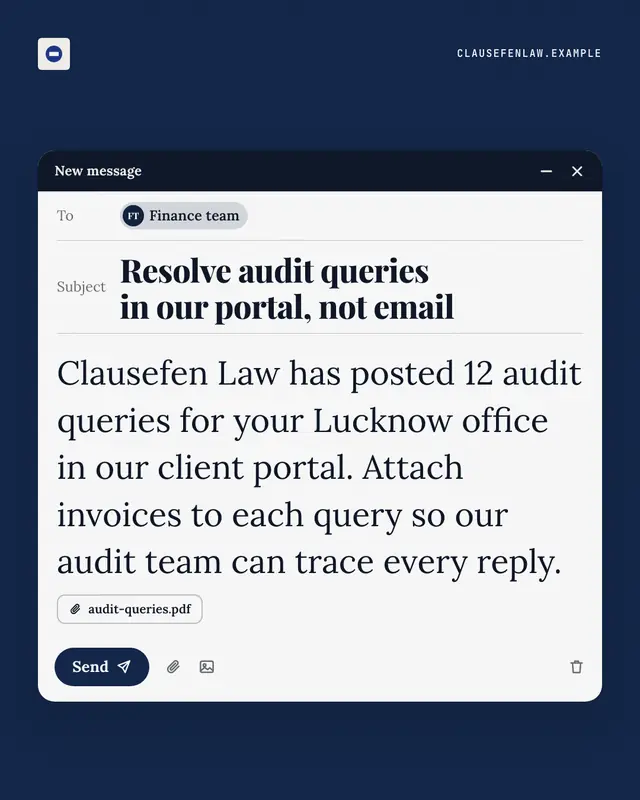
Unsent email
A compose window caught just before sending
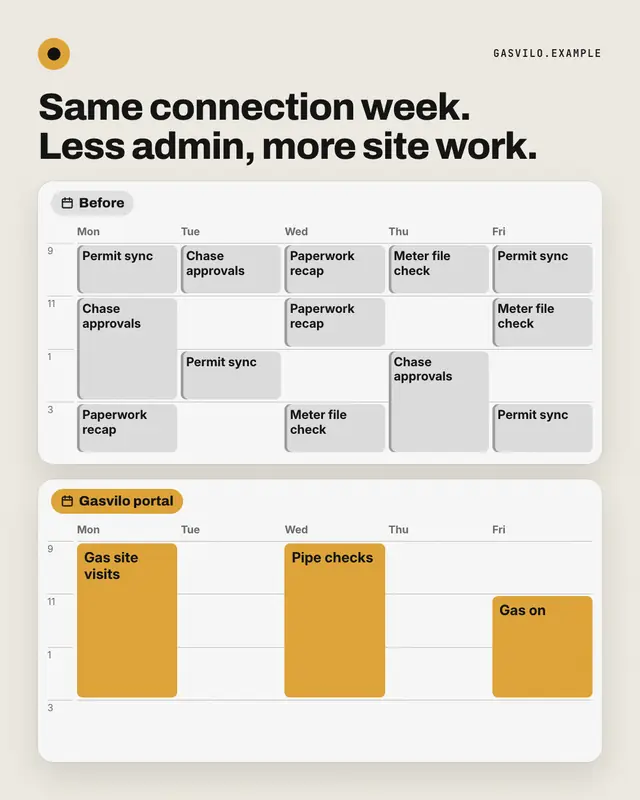
Week before / after
Two weeks in calendar view: before, every day packed with grey status meetings, errands and busywork; after, the same week opened up with a few long brand-coloured…
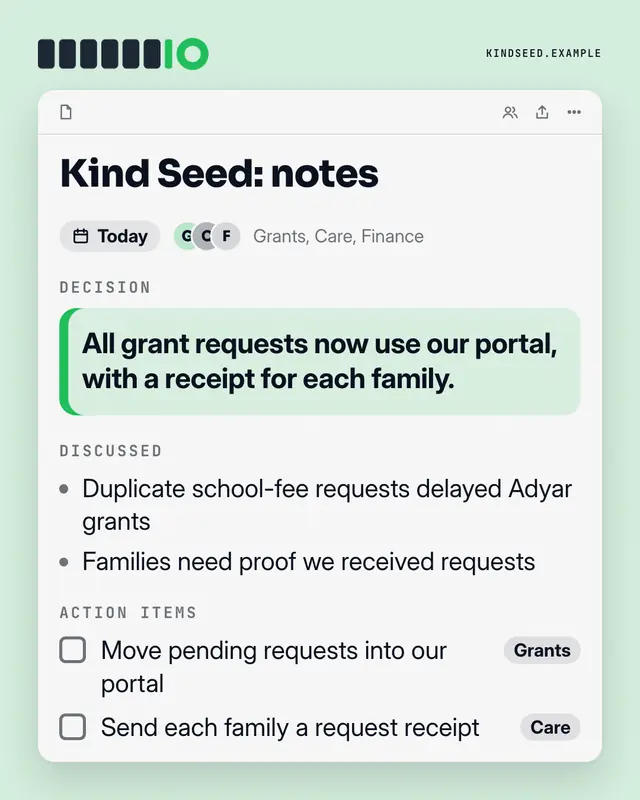
Meeting notes
A shared notes doc from a meeting
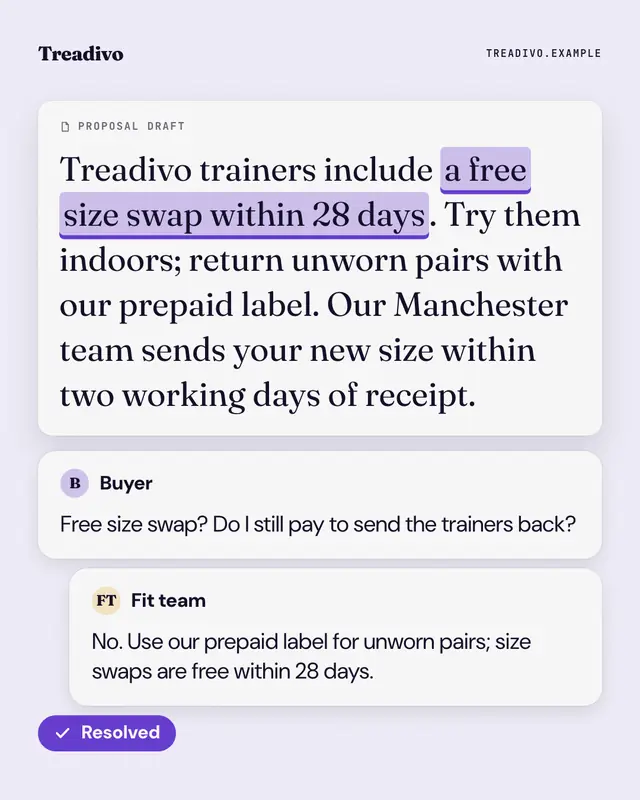
Shared doc, resolved
A shared document with one phrase highlighted and a comment thread beside it: a teammate's doubt, the answer, and a brand 'Resolved' tick.
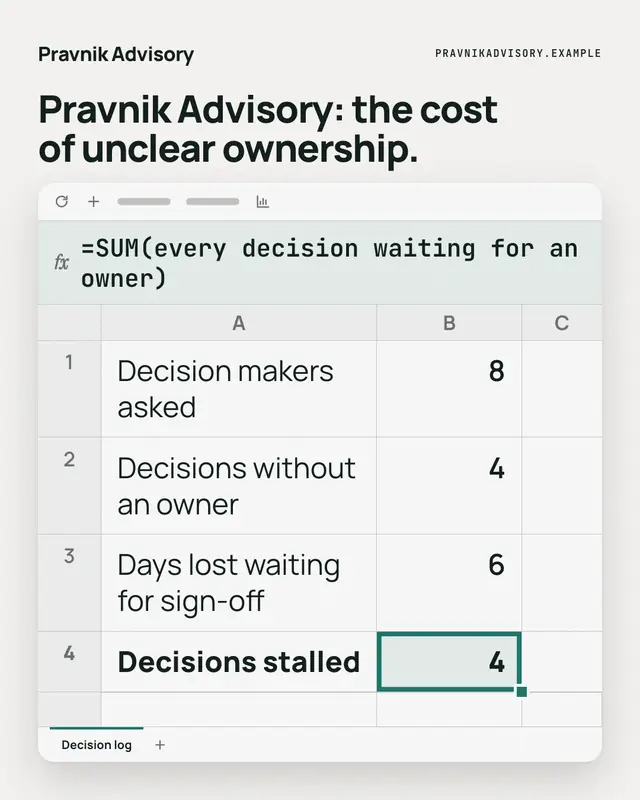
Spreadsheet formula
A spreadsheet with a few rows of the reader's reality, one cell selected in the brand colour
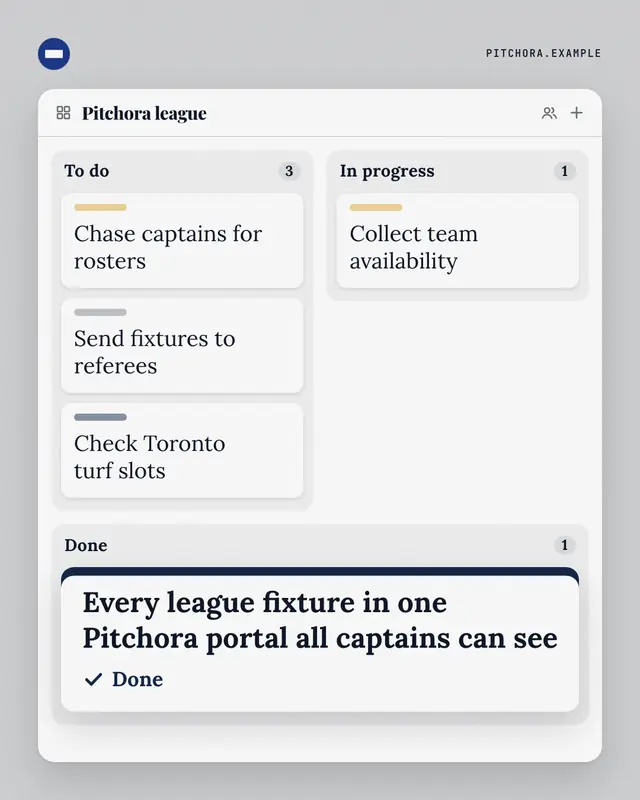
Kanban board
A three-column task board
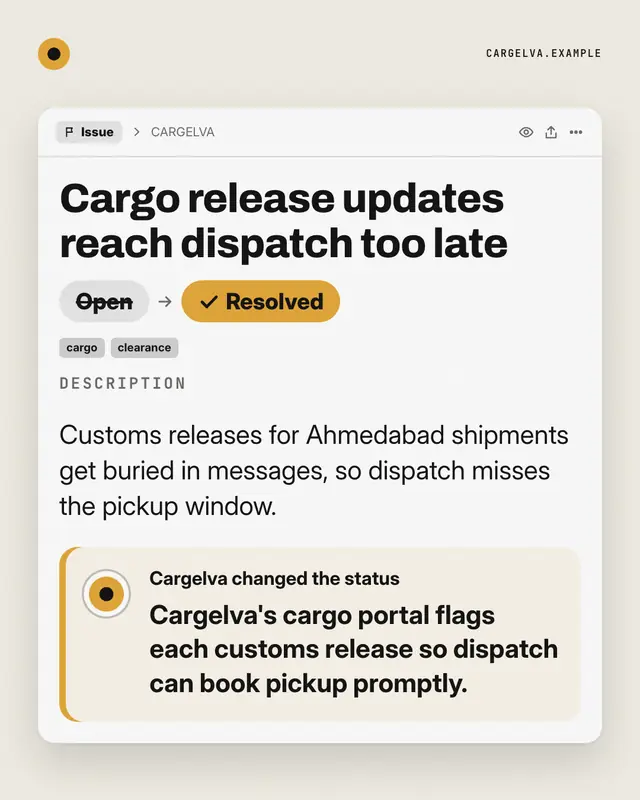
Ticket, resolved
An issue tracker ticket for the reader's recurring problem
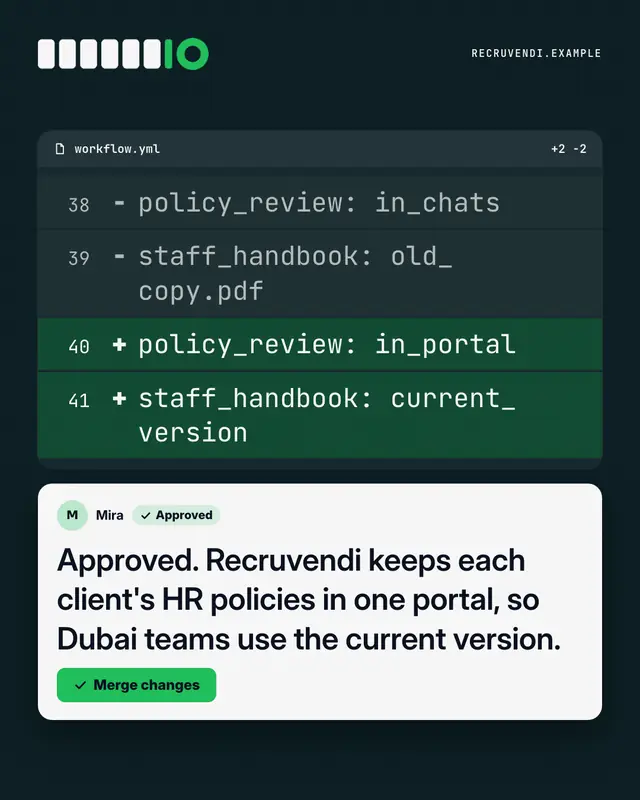
Code review
A dark 'pull request' diff
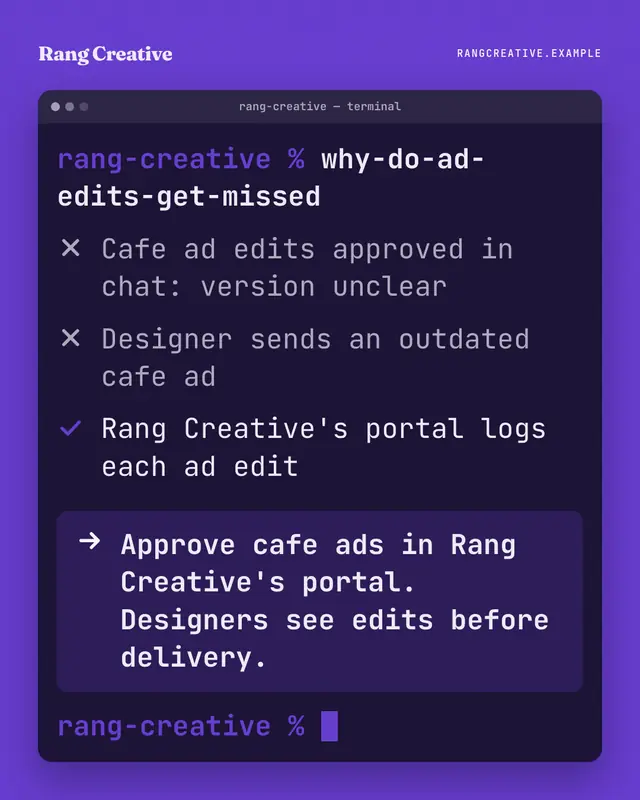
Terminal
A terminal window on the brand ground: someone types a blunt question as a command, the output ticks through what is and isn't working, and the highlighted last line…
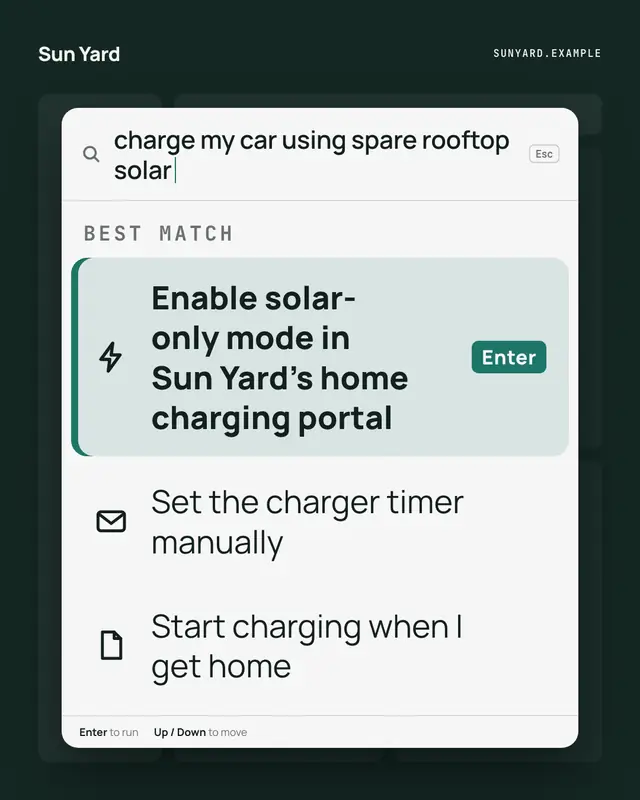
Command palette
A keyboard command palette over a dimmed app: the reader's intent typed in the search line, and the brand's way to do it as the highlighted first command, one Enter away
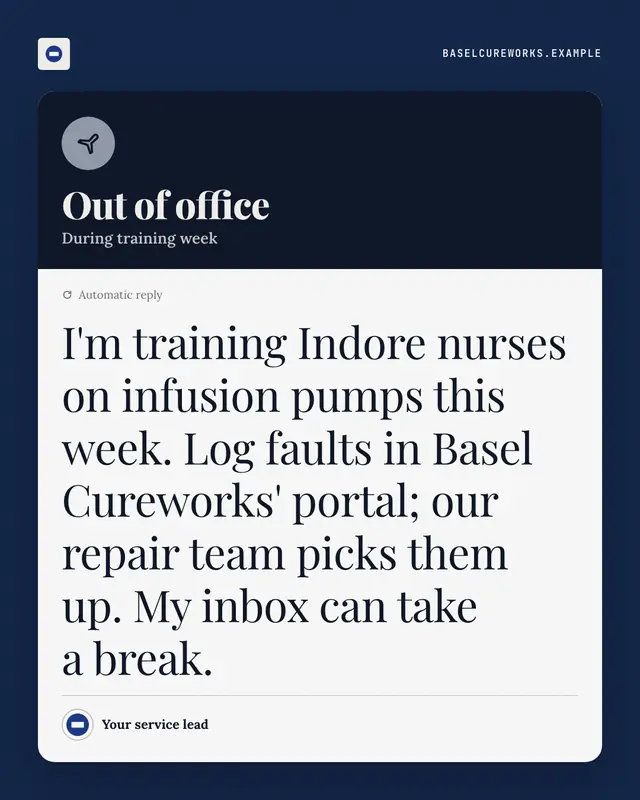
Out-of-office autoreply
An automatic out-of-office reply
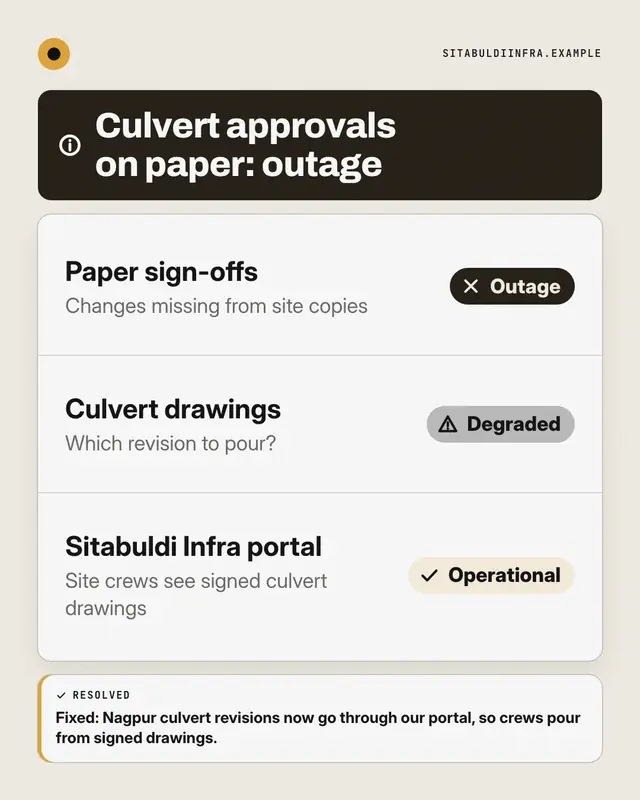
Status page
A public system-status page for the reader's way of working: components listed with Operational, Degraded or Outage pills
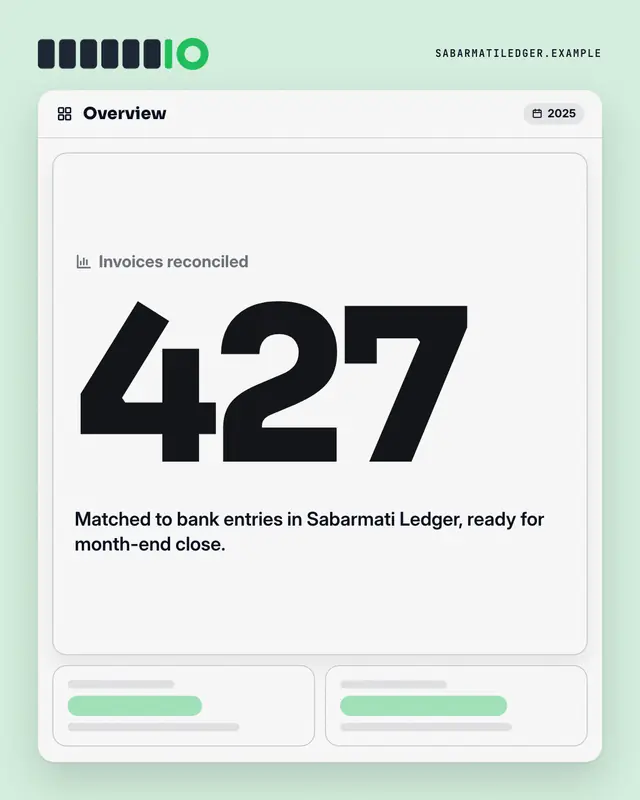
Dashboard KPI tile
An analytics dashboard where one tile is lit: the label, one real number from the post set huge in the brand colour, its change and a line of context
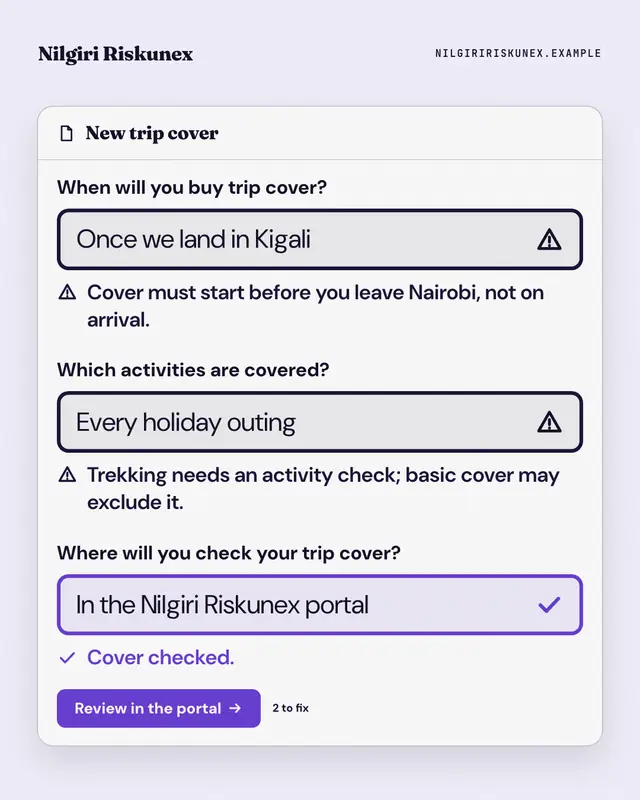
Form validation
A form that won't submit: the reader's old habits typed into its fields, each flagged with an error message, and the brand's way passing with a tick above the submit…
Samples use fictional brands; MarketiQ fills each template with your brand, facts and copy.
New Work apps from the Template Foundry
The Template Foundry’s AI design team reads a sample post, debates its look and designs new templates around the clock; only designs that pass the same render checks as the library, look unlike every template we already have and convince our art-director model join it. 53 so far — the newest here.
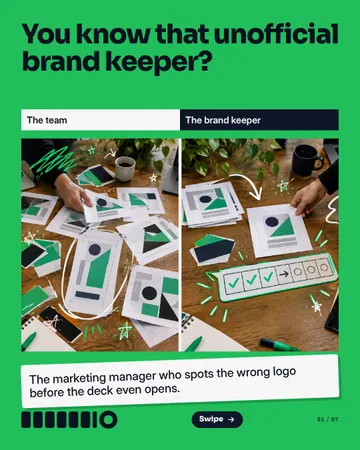
Keeper Calendar Intervention
A candid mistake-versus-correction photo becomes a magnetic challenge board: seven chunky day tiles, completion marks and doodled rewards, with full-width readable notes and a giant tagging seal at the close.
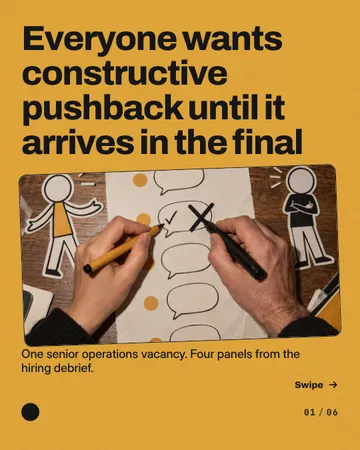
Quotes Against Themselves
A tactile hiring comic with photographic scorecard cover, oversized dialogue balloons and recurring paper characters gathered around a scene-specific scorecard. The closing characters physically point into the comment balloon.
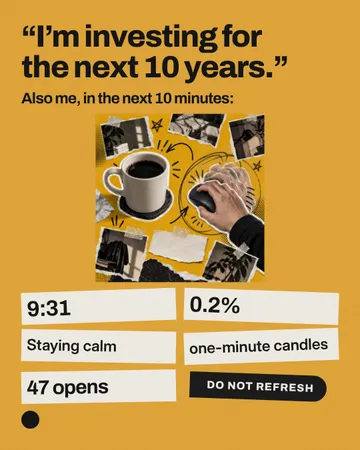
Failed Restraint Dump
A long-horizon promise above a flash-photo collage of neglected coffee and compulsive checking, followed by six scattered evidence scraps and a dark restraint-note sticker.
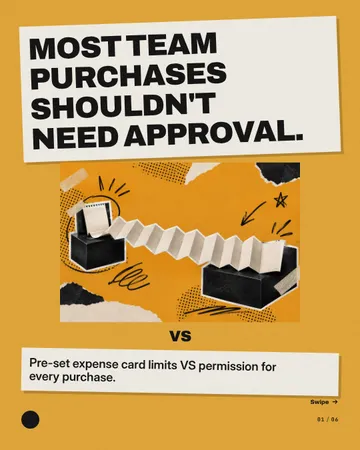
Tiny Charge Long Tail
A finance debate built from folded expense-paper strips: a cutout payment-versus-contract hero on the cover, changing evidence icons on accordion tails inside, and a huge paper question with a comment stamp to close.
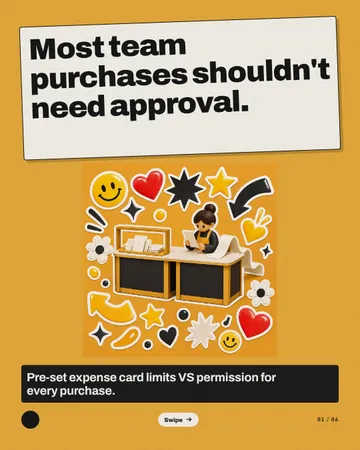
Permission Checkout
A sticker-bombed checkout debate: a sculptural two-counter cover, alternating argument slips with contextual icons, and an equal-sided comment close. Paper receipts and dark counter fronts make spending control tangible without inventing product UI.
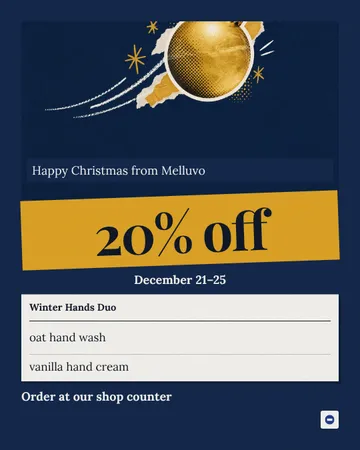
Decorations Down Duo Stays
A departing paper-cut bauble fills the festive upper third. A tilted offer strip bridges this visual and a grounded, document-like product card with two aligned rows.
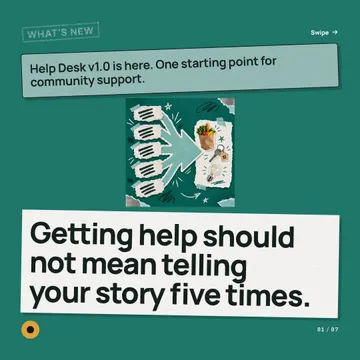
Five to One Release Flow
A five-to-one collage anchors a bold release notice. Inside pages become connected changelog canvases: repeated source marks converge through a changing icon into the update, with a linked-action close.
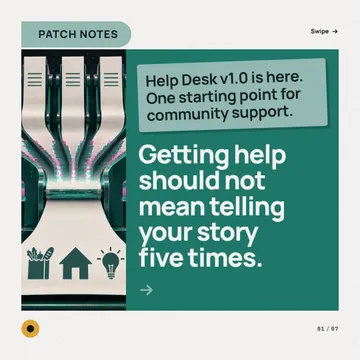
Intake Merge Patch Notes
Five paper slips feed a single oversized intake sheet. A strong release plaque introduces the cover; alternating paper-merge diagrams and tagged update sheets carry the changelog, ending in a full-width entry action.
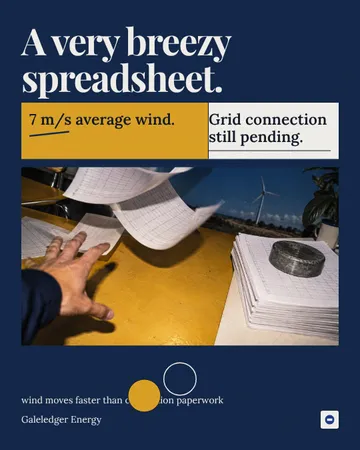
Resource Meets Paperwork
A deadpan headline above unequal condition panels and a windblown spreadsheet scene, with intersecting circles at the seam.
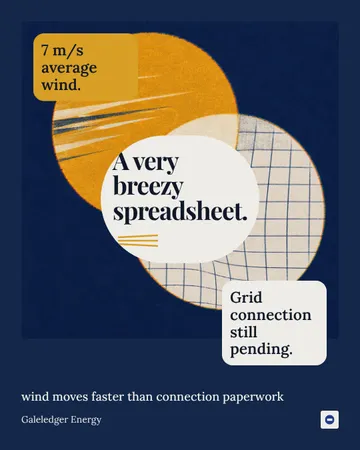
Potential Meets Pending
A diagonal risograph Venn fills a brand-colour poster. Exclusive-lobe labels frame an oversized intersection punchline, with spreadsheet rules and a deadpan footer.
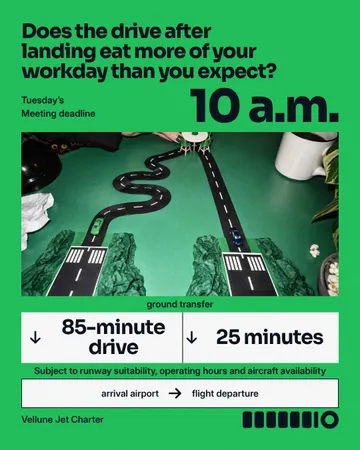
Two Drives One Deadline
A fixed meeting deadline crowns a candid visual of two unequal ground-transfer routes; equal comparison lanes and branching arrows translate the picture into a backward-planning tool.
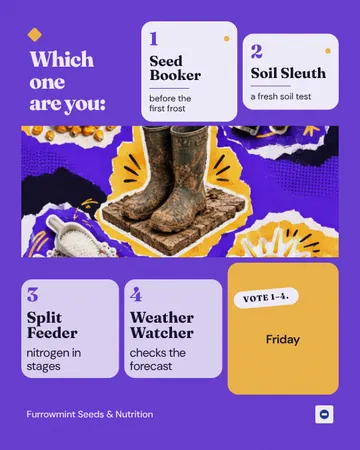
Counter Mode Mosaic
An editorial farm-counter mosaic: a question and two numbered profiles above a panoramic object portrait, then two more profiles and a voting tile below. A spanning picture interrupts the three-column rhythm.
Samples use fictional brands; MarketiQ fills each template with your brand, facts and copy.
More ways to carry a message
Let the AI pick the right Work apps template.
Write the post, or let your AI team write it. The Creative Director reads it, picks the template that carries it best and fills it with your brand; it goes out on the approval rules you set.